

Running a shop or store means handling billing, stock, payments and reports every single day. Doing it all by hand is slow and full of small mistakes that add up. POS billing software brings all of these tasks into one simple system.
What is POS billing software?
POS stands for Point of Sale, the moment a customer pays. POS billing software handles that moment and everything around it: creating bills, recording payments, updating stock and giving you reports, all from a single screen at your counter.
The trouble with manual billing
Handwritten bills and separate registers often lead to:
- Long queues because billing takes too long
- Calculation and pricing errors
- Stock that does not match what is on the shelf
- Difficulty finding out what actually sold at the end of the day
- Little visibility into profits, popular items or slow-moving goods
How POS software simplifies your day
Here is how a good POS system makes daily operations easier:
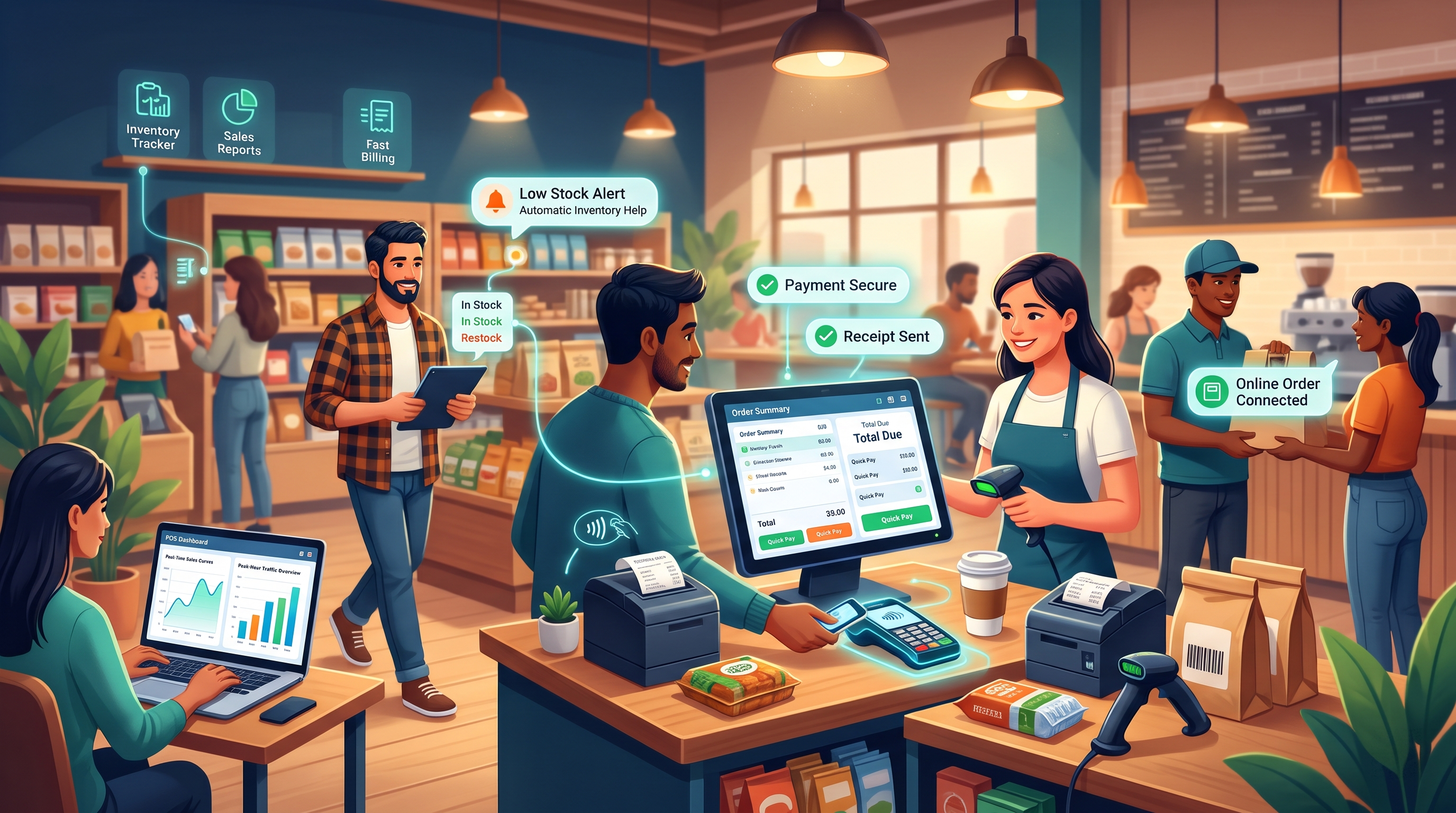
- Fast, accurate billing. Add items by search or barcode and print a bill in seconds, with taxes calculated correctly.
- Automatic inventory updates. Stock reduces with every sale, and low-stock alerts help you reorder in time.
- Multiple payment modes. Accept cash, card and UPI and keep every transaction recorded.
- Daily sales reports. See sales, collections and top-selling products without opening a register.
- Customer records. Keep purchase history and contact details for repeat customers.
- Staff access control. Give each team member the right level of access and track who did what.
"When billing, stock and reports live in one system, the owner spends less time counting and more time growing the business."
Who can benefit from POS software?
POS billing suits almost any business that sells products or services across a counter, including retail and grocery stores, supermarkets, restaurants and cafes, pharmacies, textile and gift shops, salons and service centres.
What to look for in a POS system
Before choosing, consider whether the software:
- Is easy enough for your counter staff to learn quickly
- Works with your printer, barcode scanner and other hardware
- Handles your tax and invoice requirements properly
- Gives you the reports you actually need
- Can grow with you as you add products, staff or new branches
- Comes with reliable local support
Taking the next step
Moving to POS billing does not have to be difficult. Start by entering your product list, train your staff on the daily routine, and let the reports guide your decisions from the first week.
JSRP Techno Solutions provides POS billing software tailored to your type of business. Reach out to us and we will help you pick the setup that fits your shop.